

0
Downloads
0
Episodes
Miiduu.com FAQ
Episodes

Aug 30, 2010
Aug 30, 2010
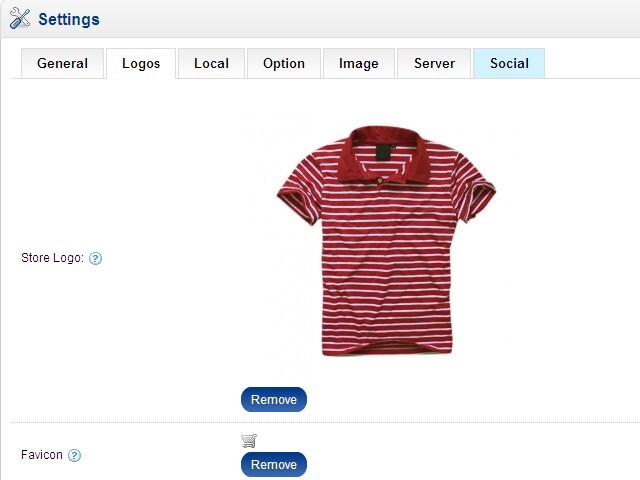
From your administration page select the "Systems" tab, and then click on "Settings". Click on Logos tab and you will see where to change your store logo. You can do so by double clicking the placeholder image and uploading one to/selecting one from your image manager. If you do not have a store logo, a simple text logo will be created for you based on your store name.
No comments yet. Be the first to say something!